

Welcome to Eldritch SHAIYA
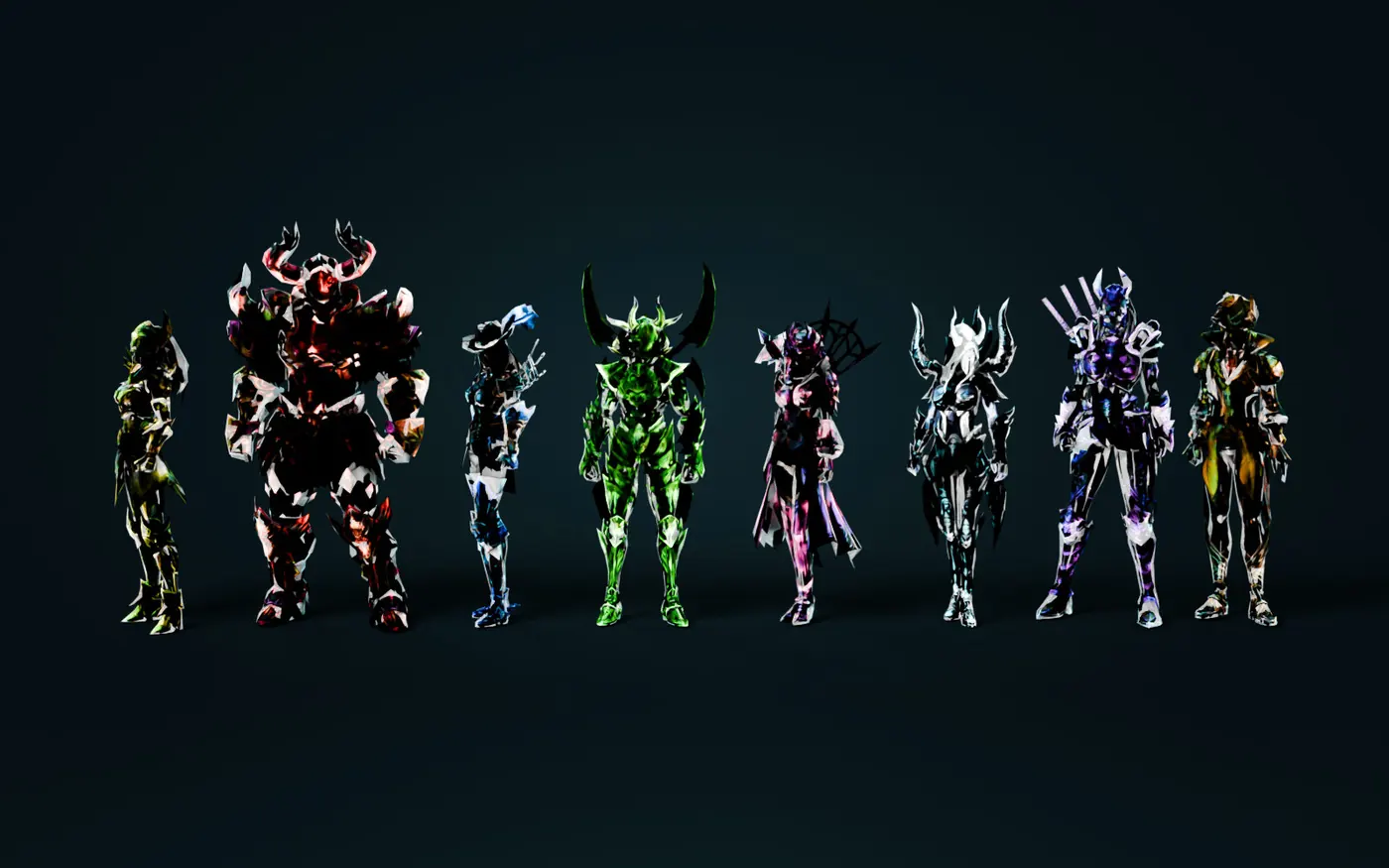
The website is open. The full client and the Eldritch Launcher are on the Download page; account registration opens here soon. What is new compared to classic Episode 8 - GM armour sets with capes and wings - try them...
Shaiya Episode 8 · free to play · worldwide
The classic you remember, with a living end-game — and a new body in Unreal Engine 5.
Try on a GM set See the UE5 preview
Registration opens at launch. The servers are already running for testers. How to play
Armoury
Pick a hero, a set and a colour — armour, cape and wings, like one GM chest. Drag to turn, scroll to zoom.Drag sideways to turn, pinch to zoom.
Loading the armoury...
The Void · level 90
The Void
Live timers appear here when the world server reports them.
The Void
Live timers appear here when the world server reports them.
The Void
Live timers appear here when the world server reports them.
The Void
Live timers appear here when the world server reports them.
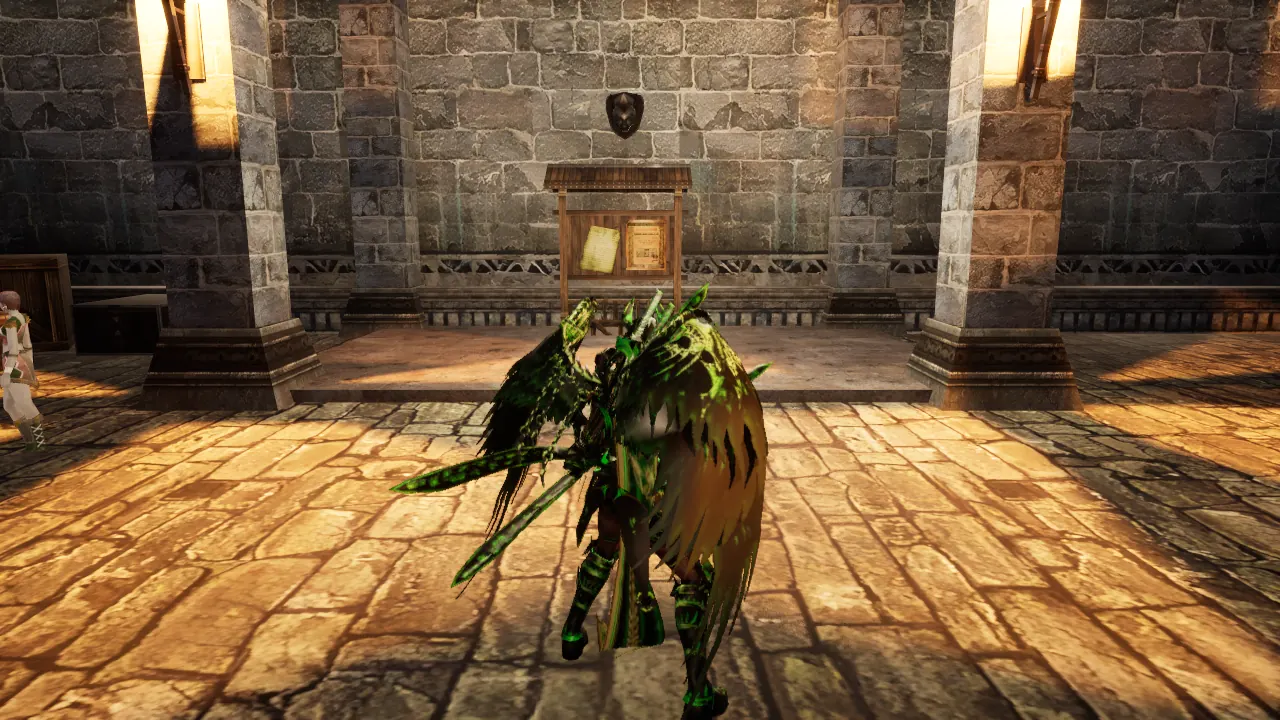
Coming to Unreal Engine 5
We are rebuilding Eldritch SHAIYA in Unreal Engine 5 - maps, heroes and every GM set - while the classic server keeps running.
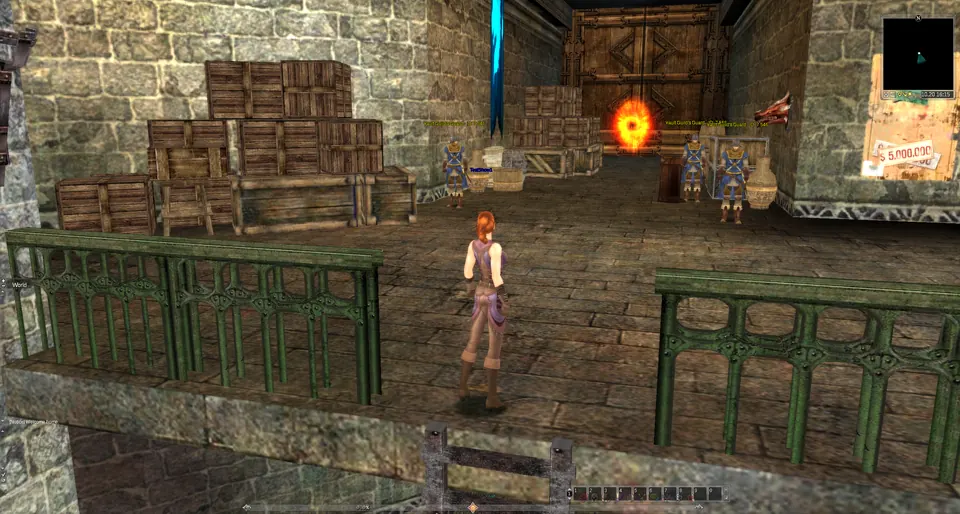
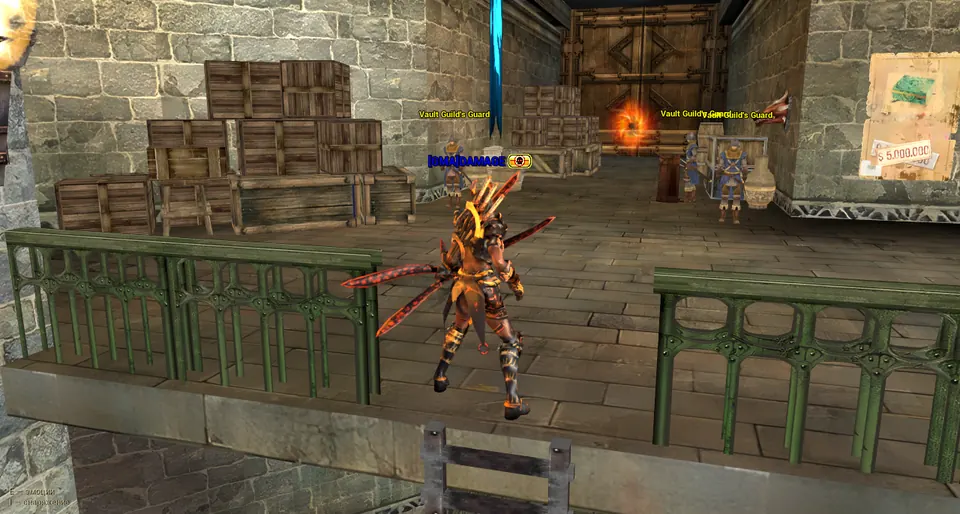
Play free
Windows 10 / 11 · about 11 GB · any DirectX 9 card
System requirementsOne account for the website, the launcher and the game.
Eldritch Launcher keeps the game up to date and adds the optional Graphics+.
The launcher signs you in with a one-time token and starts the game. Pick Light or Fury and step into Teos.


